
Climbing training features, built by climbers.
Plan your training, do the work, log what happened and see whether it's working. On the web and on your phone.
Plan
Plan your training in minutes.
Lay out a week, a block or a whole season, then move things around when life gets in the way.
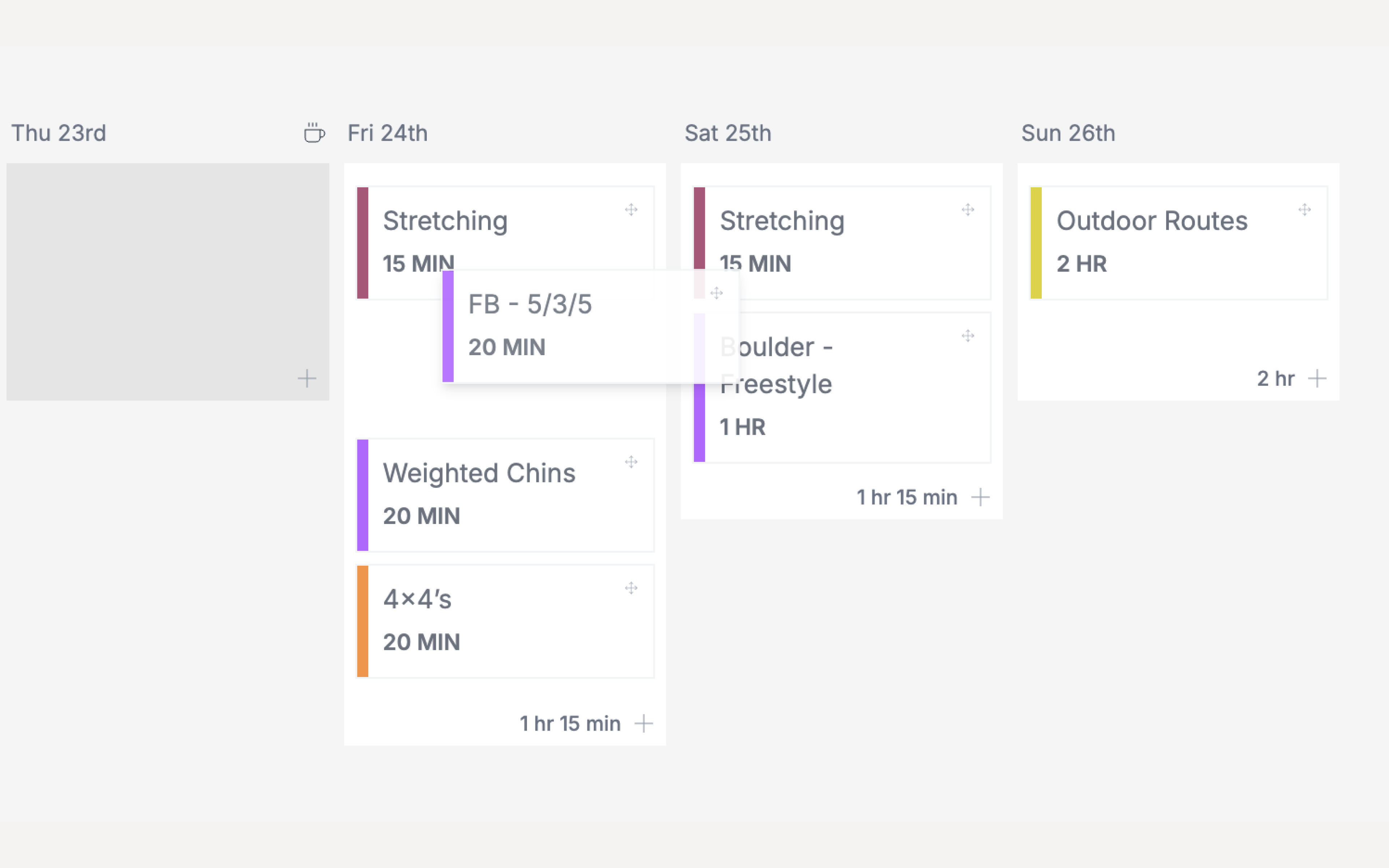
Drag-and-drop planner
Drop workouts onto your calendar and move them around when life gets in the way, on the web or in the mobile apps.
Week and year views
Zoom in on the week ahead, or zoom out to the whole year and see how each block fits together.
Training phases
Mark out phases like base, strength or performance as coloured blocks across your planner, so you always know what the current block is for.
Events with countdowns
Add competitions and climbing trips to your calendar and see a countdown to each one as you train towards it.
Bulk add workouts
Add several workouts in one go and plan a whole week in minutes.
Copy and clear weeks
Copy a week that worked to another week, or clear a week and start again. Label weeks so you can see the shape of your block.
Rest days
Overtraining is one of the fastest ways to stall. Mark rest days, however you define them, and keep your training load in check.
Print your plan
Export your plan to PDF in a week or month layout and stick it on the wall at the gym or at home.
Training plans
Follow 40+ expert plans from Climb Strong or one of our free Sequence plans. Preview each plan week by week before you apply it. See training plans
Workout Packs
Add a ready-made collection of workouts to your library and drop them into your plan whenever you need them.
Train
Everything you need in the session.
Build detailed workouts once, then follow them set by set with timers that keep you honest.
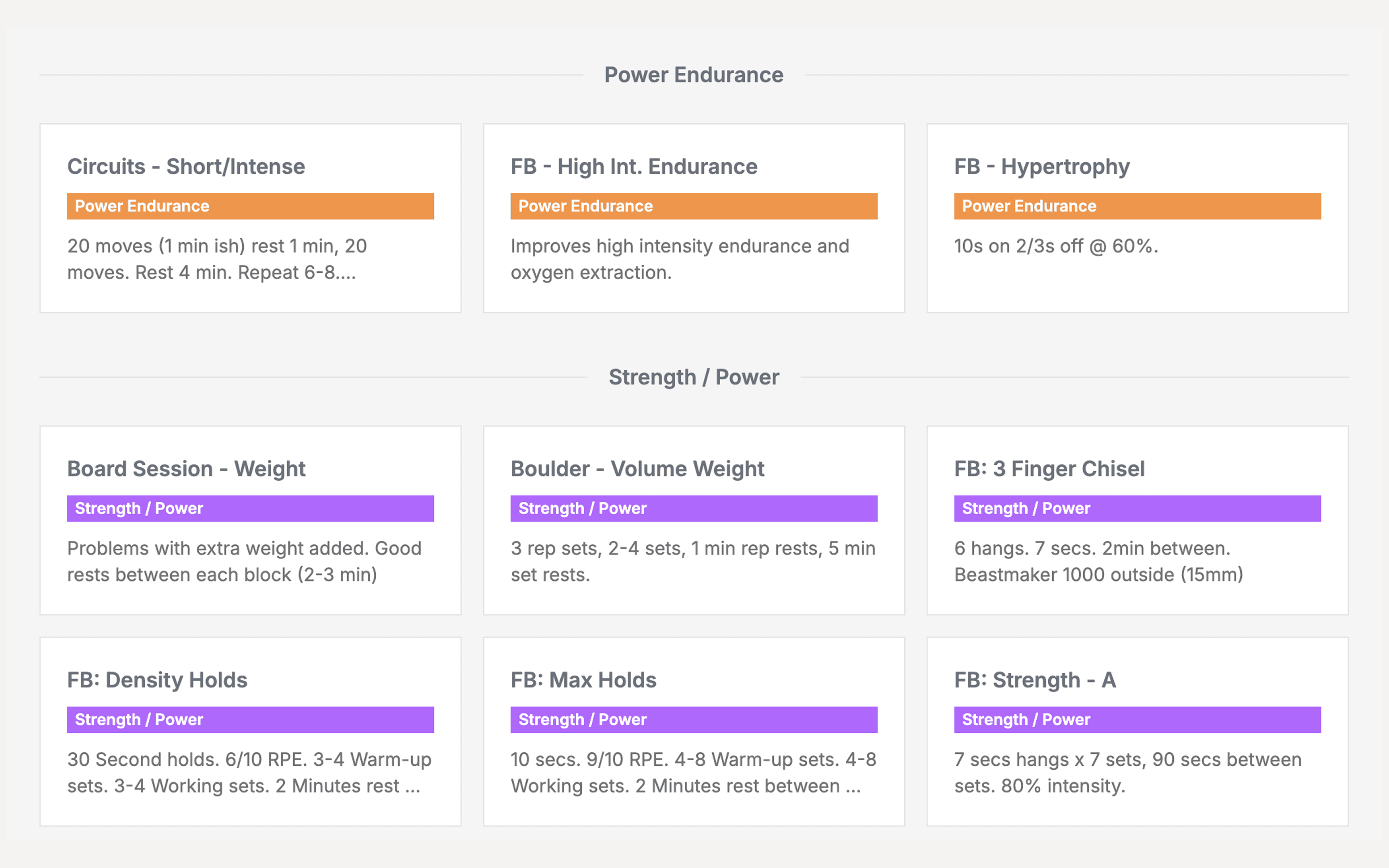
Exercise library
Use the Sequence exercise library or add your own exercises, with images or YouTube videos so you remember how each one is done.
Sets, reps, weight and duration
Log every set with weight, reps or duration. Mark warm-up sets and sets taken to failure, and group exercises into supersets.
Effort tracking
Record how hard each set felt with RPE or reps in reserve (RIR), so you can manage intensity across a block.
Built-in timers
Rest timers between sets, plus interval timers for repeaters, Tabata and EMOM, with a count-in and beeps so you can keep your eyes on the board.
Photos and video
Attach photos and video to a workout to check your technique or remember a send.
Estimated workout time
See roughly how long each workout will take before you start, so you can fit your session into the time you have.
Workout templates
Workouts on your calendar stay linked to their template. Improve the template, then update your planned workouts from it in one click.
Unlimited workouts
Build as many workouts as you like, organised into categories that make sense to you, and make each one as detailed as you need.
Log
Log your climbing and how you feel.
Record your sends, your sets and your day-to-day wellbeing, so you have the full picture.
Climbing logbooks
Log indoor and outdoor routes and boulders, sends and attempts, all in one place.
Every grade scale
Ewbank, French, YDS, V grades, Font, British Trad, and mixed, ice and dry tooling grades.
Tracking widgets
Add measure, select and slider widgets to a workout to track whatever matters, from hang time to how your fingers felt.
Daily metrics
Record how you're tracking day to day and see how your training load affects the rest of your life.
Menstrual cycle tracking
Plan your training around your cycle. Schedule harder sessions for when you expect your energy to be high, and avoid booking a weekend on your project when you expect it won't be.
Notes
Not everything fits neatly into a workout. Add a note to any day to keep track of whatever else matters to your training.
Complete or incomplete
Mark each workout as complete or incomplete, and record why a session didn't happen so you can spot patterns later.
Analyse
Find out what's working.
Turn your training history into charts, personal bests and test results you can act on.
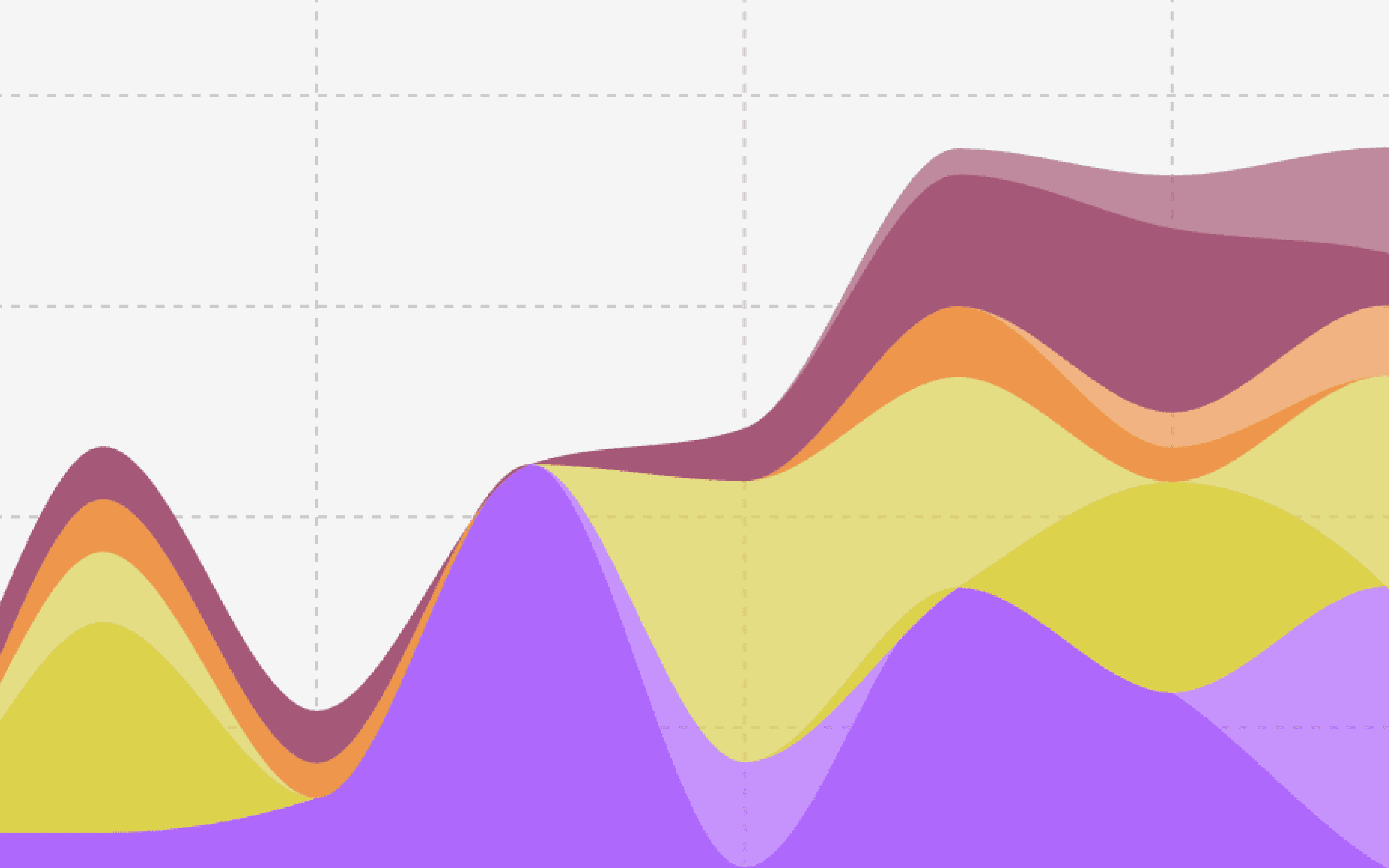
Dashboard snapshot
Get a snapshot of where your training is at on your dashboard as soon as you sign in.
Charts with period totals
Chart your training over time with totals for each period, and add goal lines and milestones so you can see how close you are.
Personal bests
See your personal best for every exercise and how each one is progressing over time.
Logbook statistics
See your sends, your hardest sends, and a breakdown by grade and style.
Custom tests
Build your own tests, run them before and after a block, and compare results with progress graphs to find out whether it worked.
Workload and days on rock
Keep an eye on your overall workload and how many days you've spent climbing outside.
Goals
Set a goal, give it a date, and keep your training pointed at it. Staying focused is one of the most reliable ways to improve.
Milestones
Mark anything that feels like progress. Later, you can look back at what you were doing in the lead-up, learn from it, and repeat it.
Mobile
Take it to the wall.
The Sequence apps for iOS and Android are built for using between attempts.
iOS and Android apps
Plan, train and log on your phone with drag and drop, and everything syncs with the web. See the mobile apps
Timers on your lock screen
Your timer keeps running in a Live Activity and the Dynamic Island on iOS, and in a background notification on Android.
iOS home-screen widget
See today's training on your home screen without opening the app.
Push notifications
Get workout reminders and know straight away when your coach sends you a message.
Share to Instagram Stories
Share a finished workout straight to your Instagram Stories.
Dark mode
Easy on the eyes in a dim gym or a tent at the crag.
Connect
Works with the tools you already use.
Bring your history in, send your sessions out, and keep your data portable. See all integrations
Strava
Connect Strava and your completed sessions sync across automatically.
Claude and ChatGPT
Connect Sequence to Claude or ChatGPT and ask questions about your training. Learn more
CSV import
Bring your training history with you by importing workouts, daily metrics and logbook entries from a CSV file.
Data export
Your training is yours. Export your data whenever you like.
Share workouts
Send a workout link to a friend and keep each other motivated and accountable.
Sign in with Google or Apple
No new password to remember.
Email reports
Choose the emails you want, from a daily summary to a weekly recap of your training.
Coaching
Built for coaches, too.
Program once, track every client, and only pay for the clients you're actively coaching.
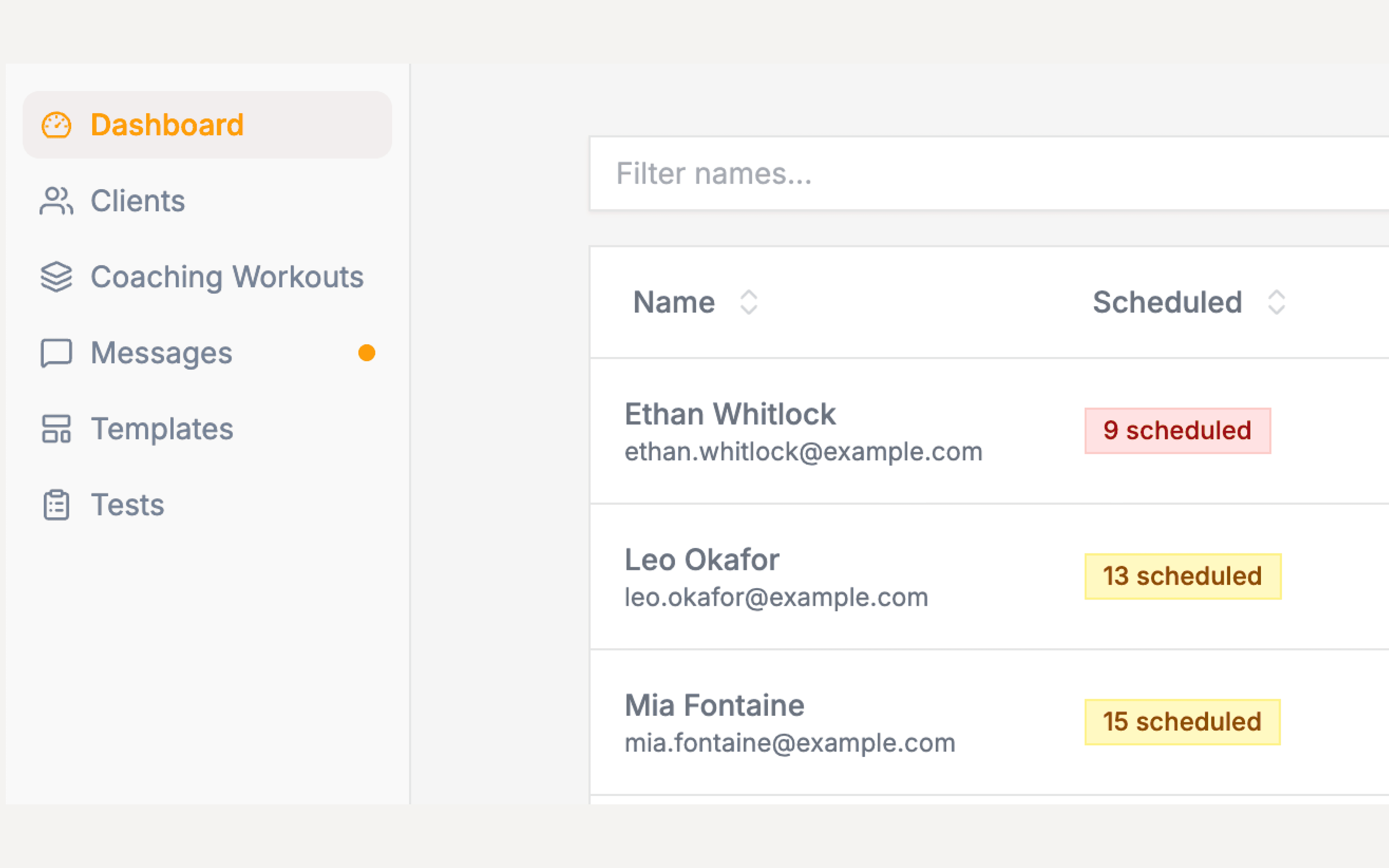
A planner built for coaching
Plan every client's training from one place, with bulk add and drag and drop.
Coaching workout library
Build a library of coaching workouts, import them from CSV, or copy a client's workout into your library.
Program templates
Write a multi-week program once and apply it to any client.
Coach test templates
Create your own tests and use them to benchmark every client the same way.
Messaging
Message clients in real time, with read receipts and reactions.
Client dashboard, notes and metrics
See each client's goals, comments, stats, metrics and workload, and keep notes on injuries, trips and anything else worth remembering.