
Sequence Is Now in the Claude Directory and ChatGPT Plugins
A couple of weeks ago we launched the Sequence connector for AI apps. Setting it up meant copying a URL into a custom connector, which worked fine but wasn't exactly obvious.
You no longer need to. Sequence is now listed in the Claude directory and in ChatGPT's plugins, so you can find it, install it, and sign in without leaving the app.
Claude
Open Sequence Training in the Claude directory, click Connect, and sign in with your Sequence account.

ChatGPT
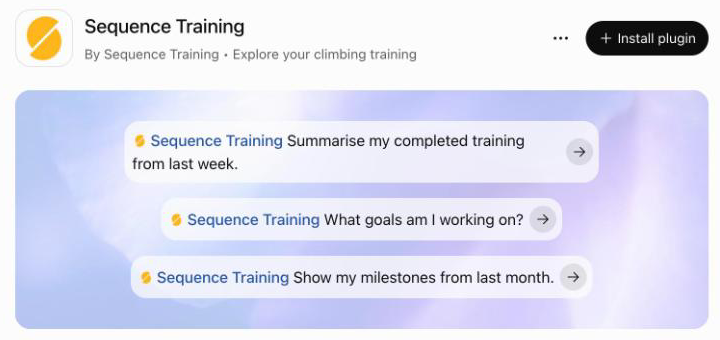
Open Sequence Training in ChatGPT plugins, click Install plugin, and sign in with your Sequence account.
How I Use It
A few prompts I've found genuinely useful:
- "Summarise my completed training from last week." A quick check before planning the next one.
- "Compare what I scheduled this month with what I actually completed." Good for spotting the sessions that keep sliding.
- "Show my hangboard sets over the last three months. Is my max hang going up?"
- "What goals am I working on, and which ones haven't I touched in a while?"
- "Pull my milestones and notes since June. What was going on before my best sessions?"
It can see your training sessions, the exercises and sets you logged, your goals, planner notes, and milestones.
Still Read Only
Nothing has changed here. The connector can't create, move, edit, or delete anything in your account, and it only sees your own data. You can disconnect it any time from Settings in Sequence.
It's free for every Sequence account. If you use a different AI app, the setup docs still cover connecting it by URL.